

My Little Star XAPK
NEVIL Company
- Version
- 1.1.7
- Size
- 48.5 MB
- Android
- 5.1+
- Category
- Casual
Screenshots
What's new
Version 1.1.7 is the newest build on APKBlade, updated 1 March 2025.
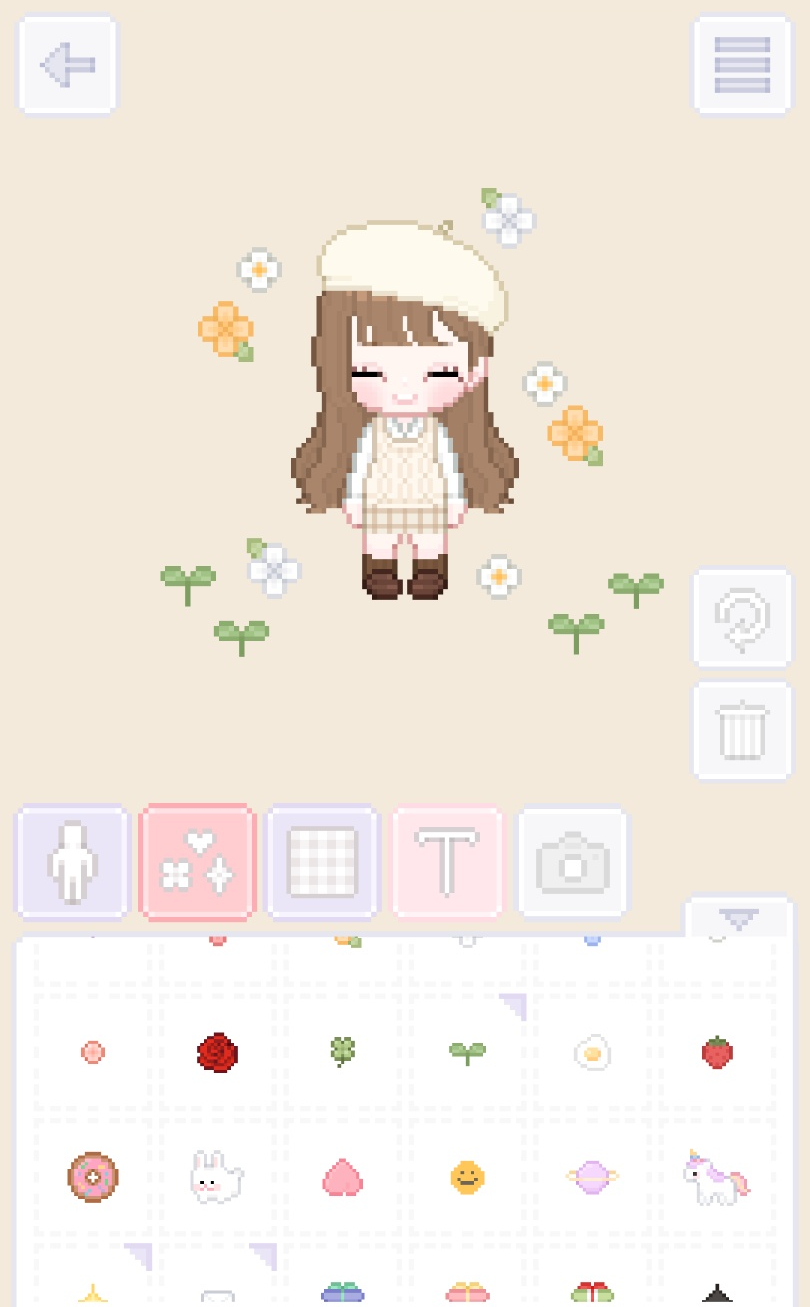
Make a cute little character with the My Little Star app - change looks again and again!
Do you like cute chibi looks? Do you wish to create your little character? With the My Little Star app, you can enter a fun world of design.
Make a chibi avatar that shows your style. This blog post explores the cool features of My Little Star. You’ll also learn how to download and enjoy this neat app.
What is My Little Star App?
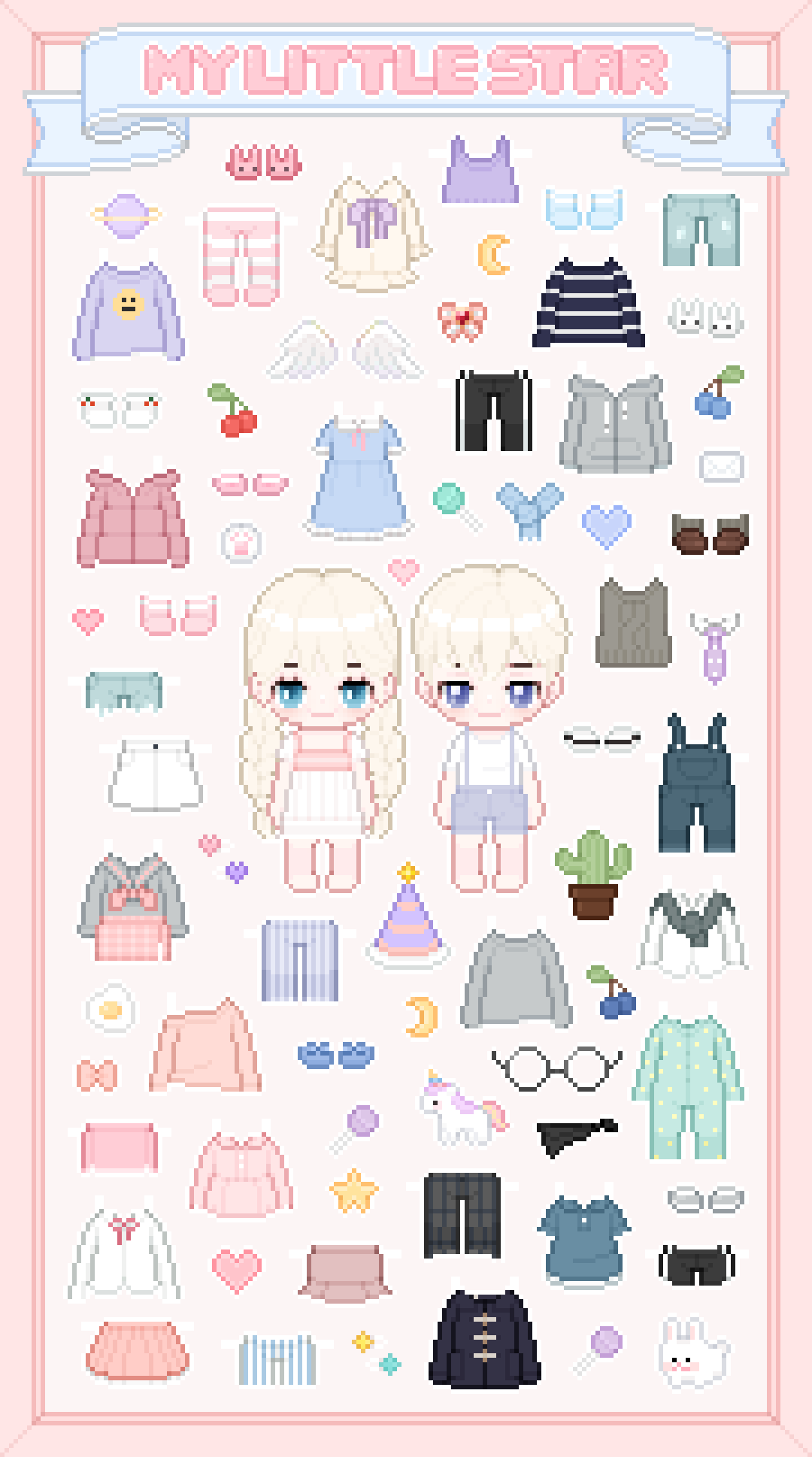
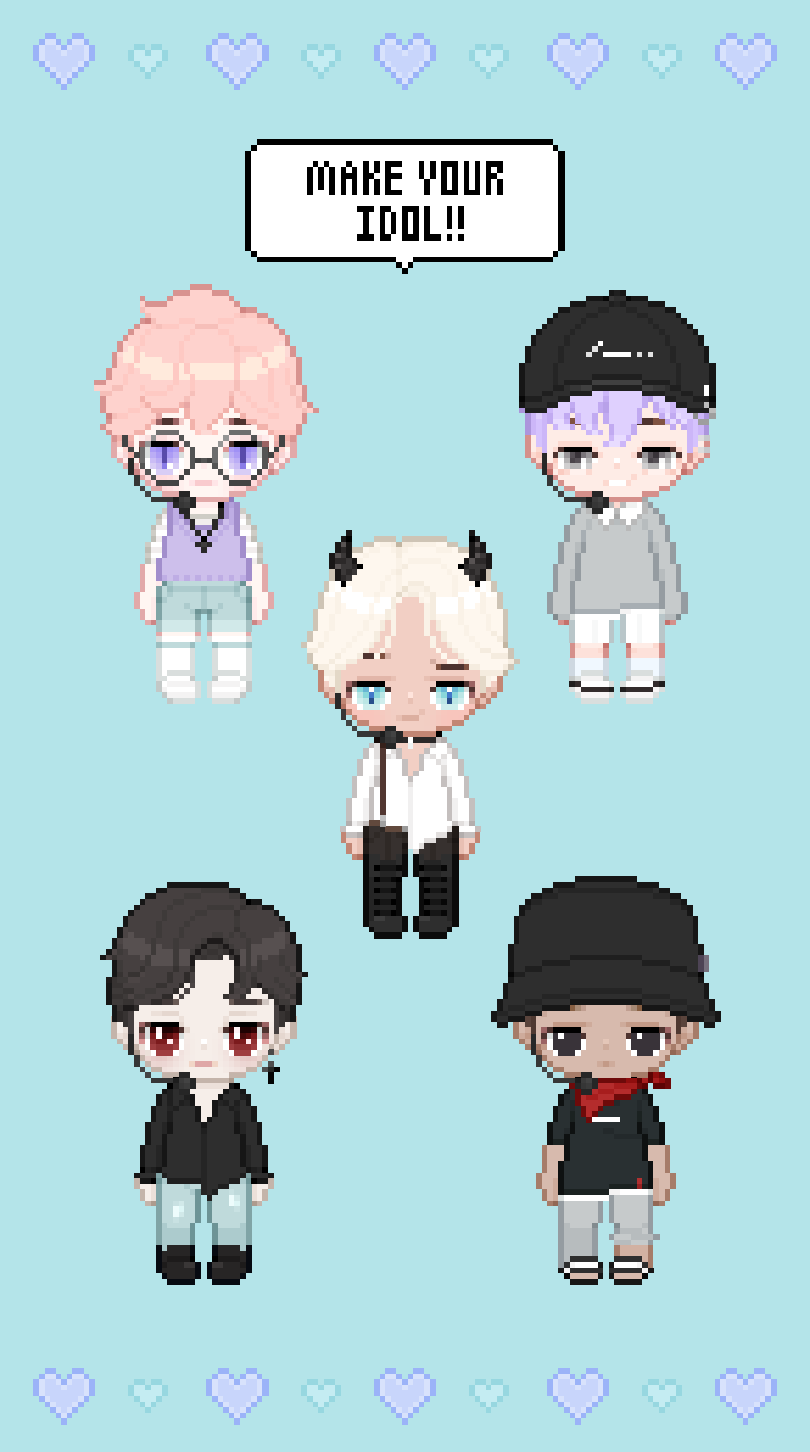
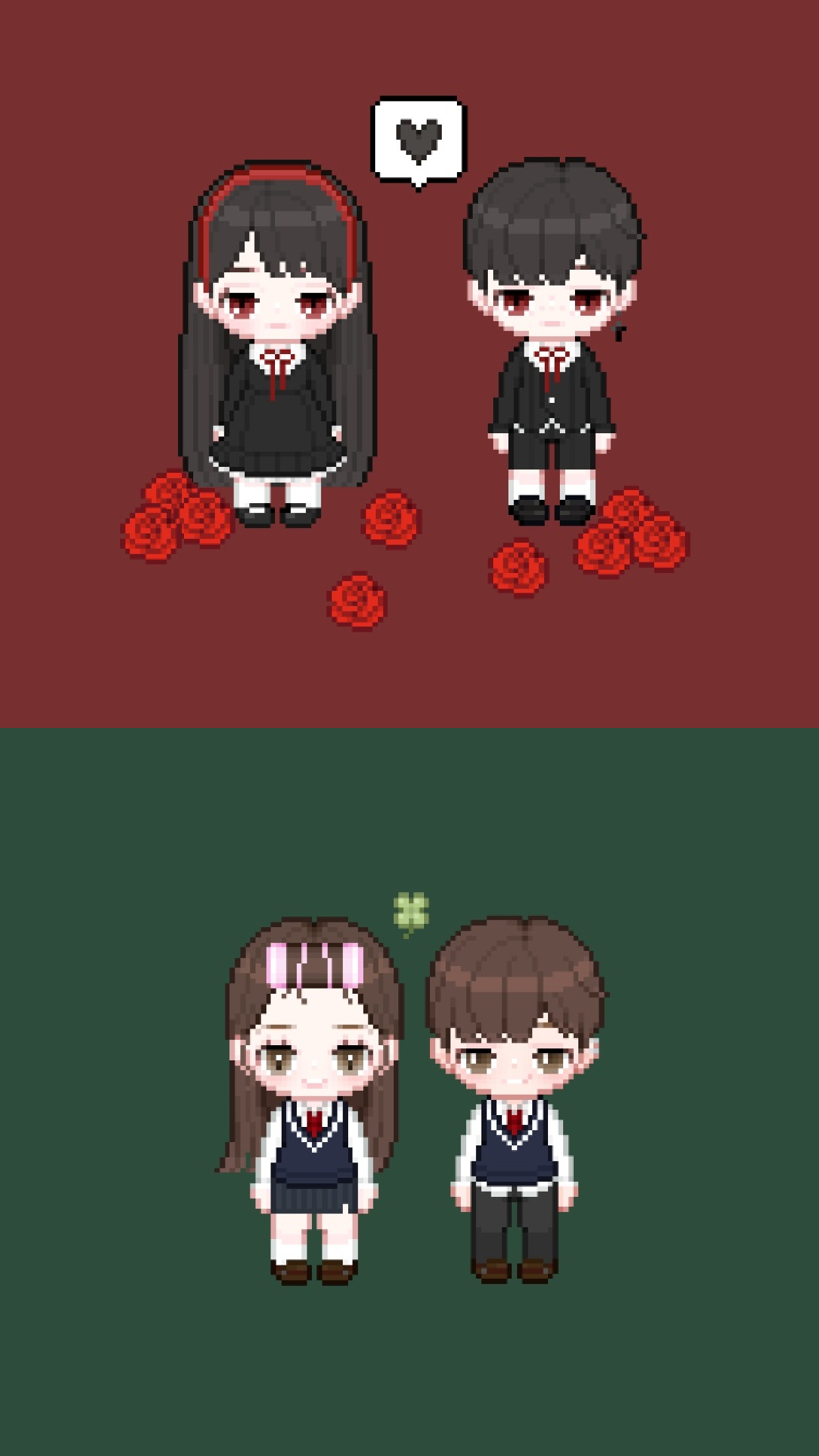
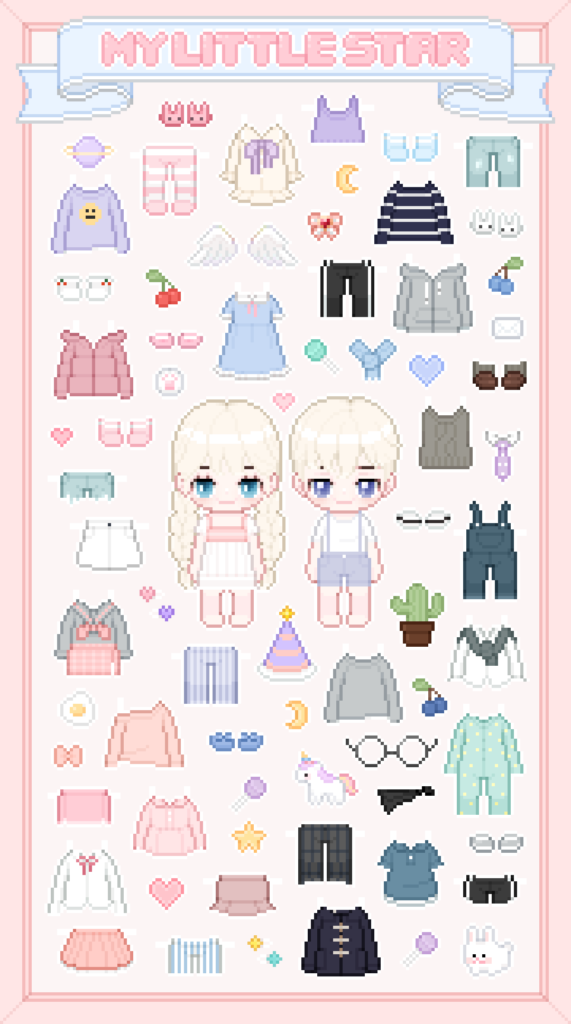
My Little Star is an app for Android phones. With it, you can make and customize a chibi character. You choose from over 1000 decorating items. Design your chibi avatar with hairstyles, clothes, accessories, and facial looks like lashes and lenses. The options are endless!
Cool Features of My Little Star
- Customization Galore: My Little Star offers an extensive range of customization options. You can change your avatar’s appearance with different hairstyles, eye colours, outfits, and accessories. Want to add a personal touch? Try out the dyeing feature to give your character a unique look.
- Adorable Graphics: The app boasts cute and high-quality graphics that make your chibi character come to life. You’ll fall in love with the charming art style and the attention to detail in every item.
- User-Friendly Interface: My Little Star is designed with simplicity in mind. The interface is intuitive, making it easy for anyone to navigate and enjoy the process of character creation.
- Regular Updates: The app is frequently updated with new items and features, ensuring that your avatar can always be on-trend and in style.
- Free to Download: You can download My Little Star APK without any hidden costs. This means you can start creating your dream chibi avatar right away!
How to Download My Little Star APK
Downloading My Little Star APK is very easy. You don’t need to visit other websites. You can get the app right here! Just follow these steps:
- Make sure your Android device is connected to the internet.
- Click the download button at the top of this post.
- When the APK file finishes downloading, open it. Install the app.
- If your device asks, allow installations from unknown sources.
- After installing, open My Little Star. Start creating your chibi avatar!
Creating Your Chibi Avatar
After downloading My Little Star, it’s time to be creative! Here’s a quick guide to get started:
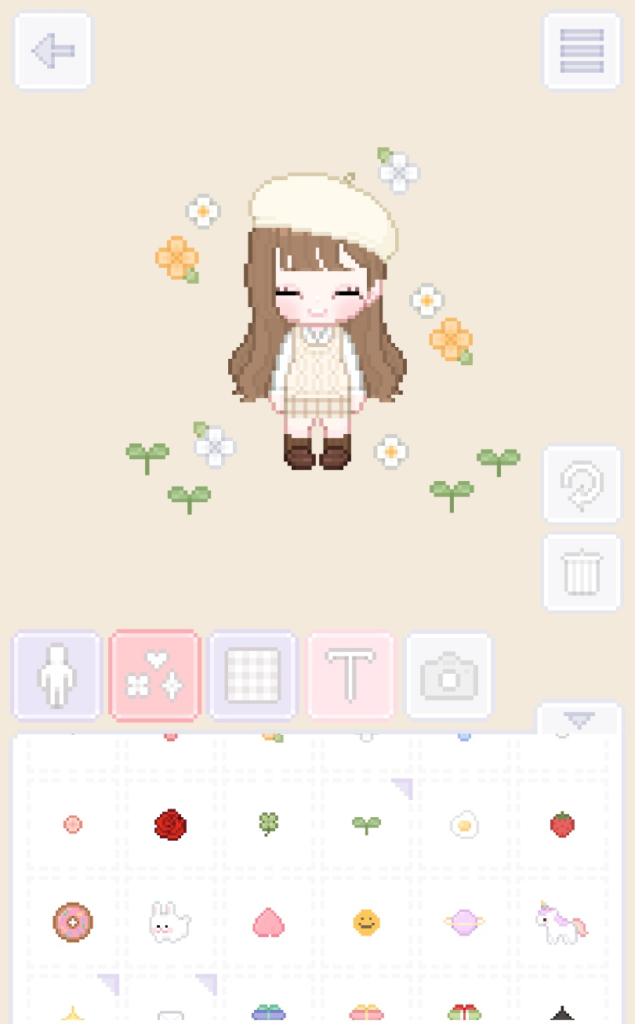
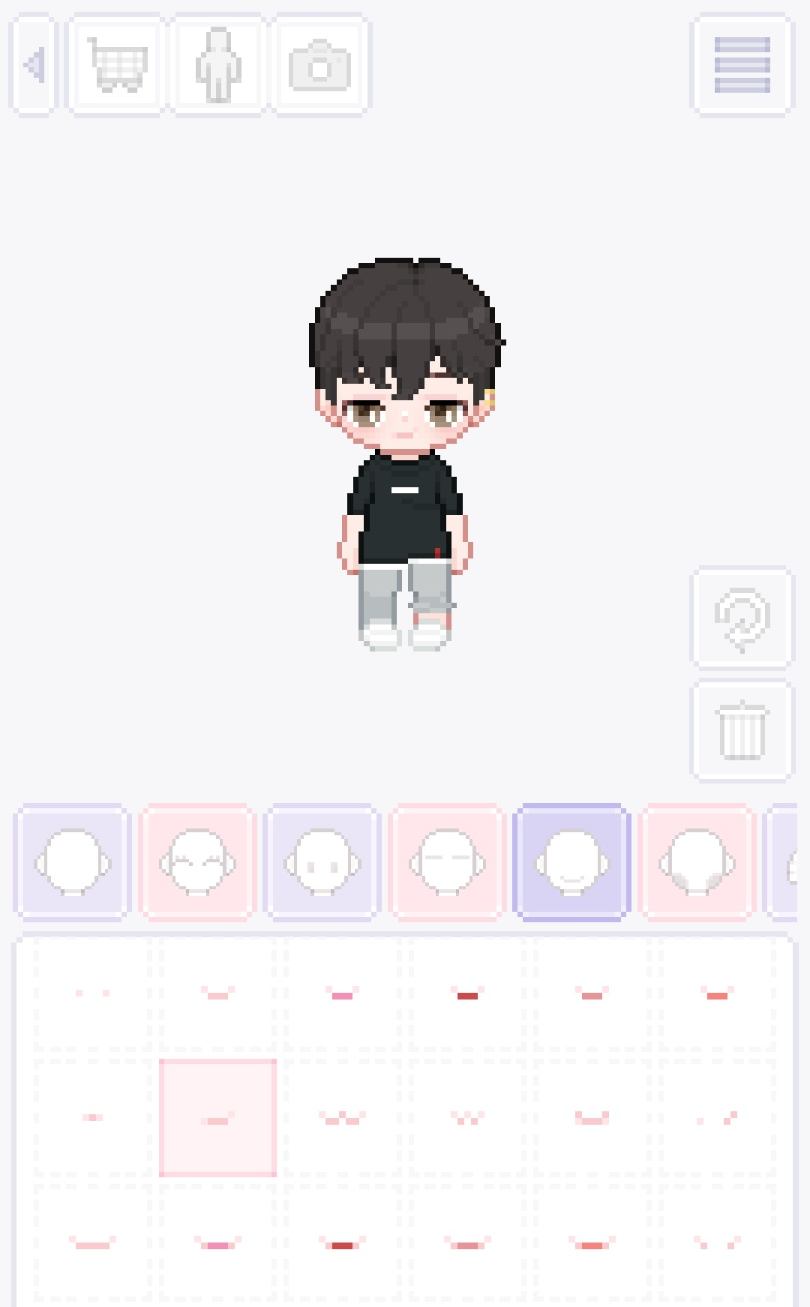
- Step 1: Choose a Base. Pick the basic features for your avatar, like skin tone and face shape.
- Step 2: Add Hairstyle. Choose from many hairstyles. Find the perfect one for your character.
- Step 3: Customize Eyes. Pick the eye shape and colour. Add eyelashes or lenses if you want!
How to use My Little Star App
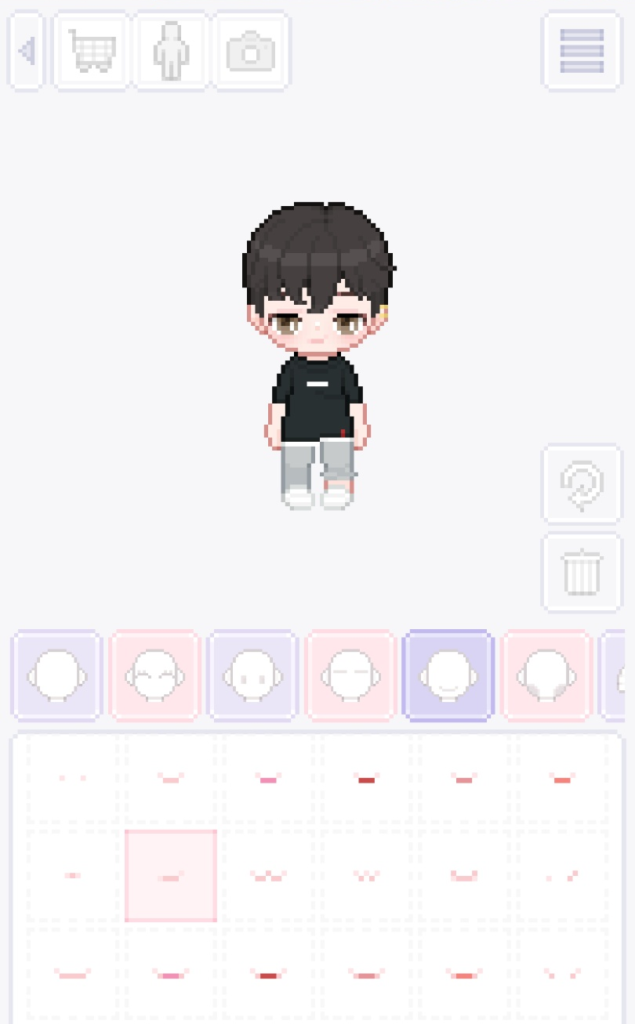
Making a cool avatar is easy. Let’s start with the My Little Star app. First, pick a character style. You can choose chibi or more. Next, pick your character’s hair, eyes, and face. After that, it’s time to dress up. Look through the clothes and find an outfit you like. Now add extras like hats and glasses.
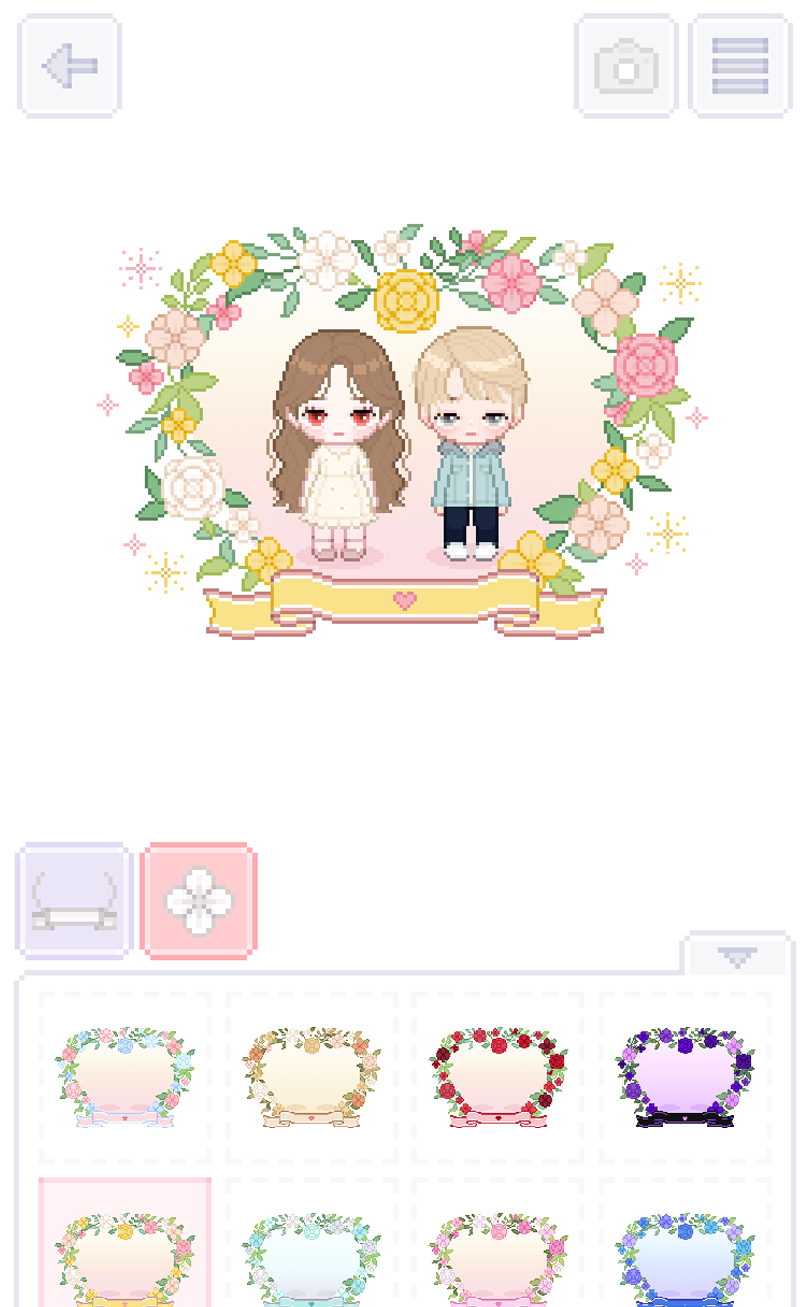
Once you’ve made your character, save it! You can also show your friends. My Little Star is a fun app for making cute avatars. It lets you be creative and express your style. People seem to enjoy the app, too, with ratings around four stars.
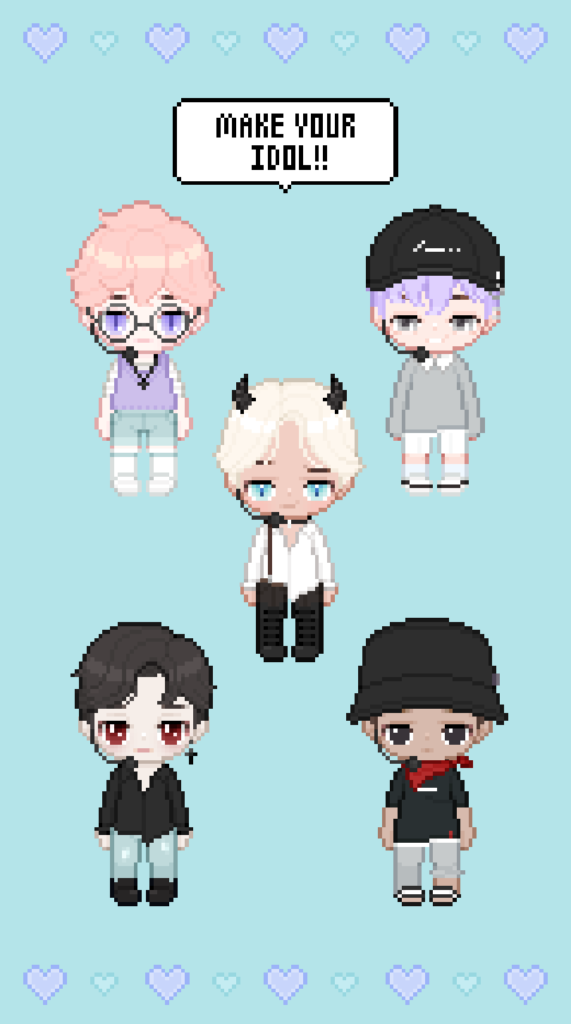
Here are some tips for using My Little Star.
- Try different item combinations to find new looks you like.
- Check the app often for new customization items.
- Take your time creating your avatar.
- Embrace being unique and make your avatar stand out!
Conclusion
My Little Star APK is excellent for customizing chibi characters. With lots of decorations and an easy interface, it’s perfect for anyone wanting a personalized avatar. Downloading is simple, and it’s free. So why wait? Get My Little Star today and make your own adorable character!
More About My Little Star
| Name | My Little Star |
|---|---|
| Package Name | com.nevil.mylittlestar |
| Category | Casual |
| Version | 1.1.7 |
| Size | 48.5 MB |
| Requires Android | 5.1 and up |
| Developer | NEVIL Company |
| Last Updated | 1 March 2025 |
How to Install My Little Star
- Tap the download button and let the file finish.
- Open the file from your notifications or the Downloads folder.
- If Android asks, allow your browser to install unknown apps.
- Tap Install, then open the app.
This download is a XAPK file. Follow the XAPK install guide.
FAQ'S
How to install My Little Star .xapk?
Simply download this XAPK Installer from Play store - Download. Open the XAPK Installer app & follow on screen instructions to install the XAPK.
I am getting Play Protect warning while installing!
Some mod APK files might get a warning. You can ignore this warning and install the APK file. Follow these simple steps to turn off Play Protect: Open Google Play app > Click Profile Icon > Select Play Protect -> Setting > Turn off both "Scan apps with Play Protect" and "Improve harmful app detection" options.
How to update APK without losing the data?
To update APK without losing the data, you don't need to follow anything extra. Click on the downloaded APK file and click the "Install" button. The app will update automatically without loss of data.
How to fix problems while installing/opening?
Make sure you have downloaded the file correctly. The downloaded file extension must end with .apk file. If you face any package install error, redownloading the file may fix the issue.


















Ratings and reviews
There are no reviews yet. Be the first one to write one.